


Description
Fanvil X1SG IP Phone – Affordable Gigabit IP Phone with Enterprise-Grade Features
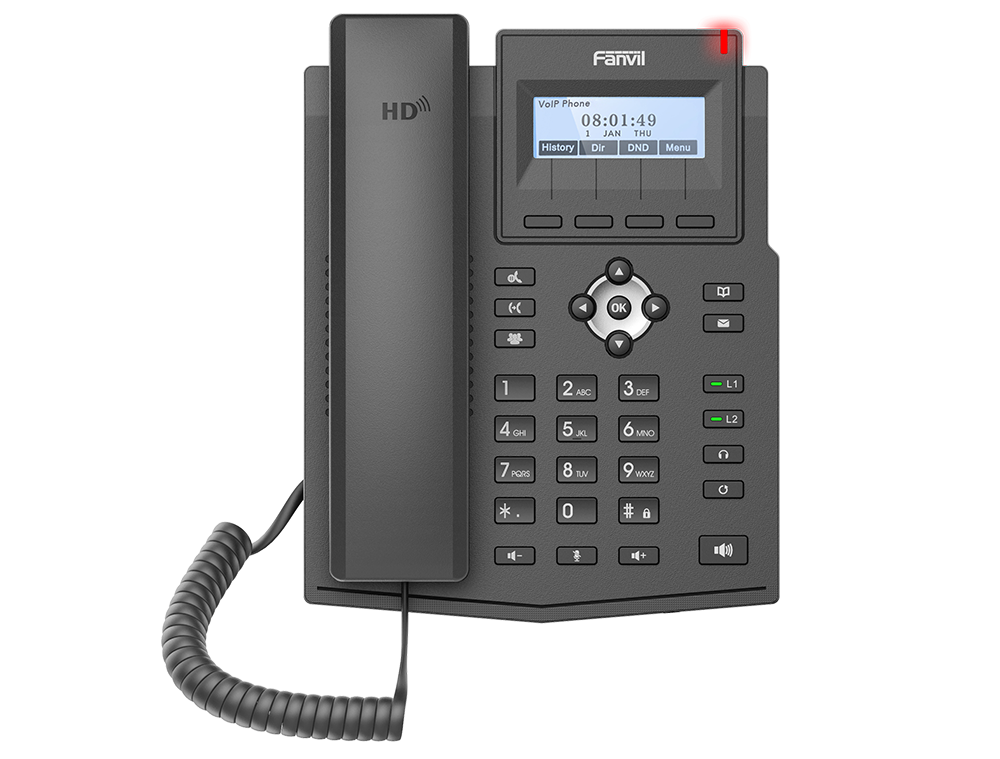
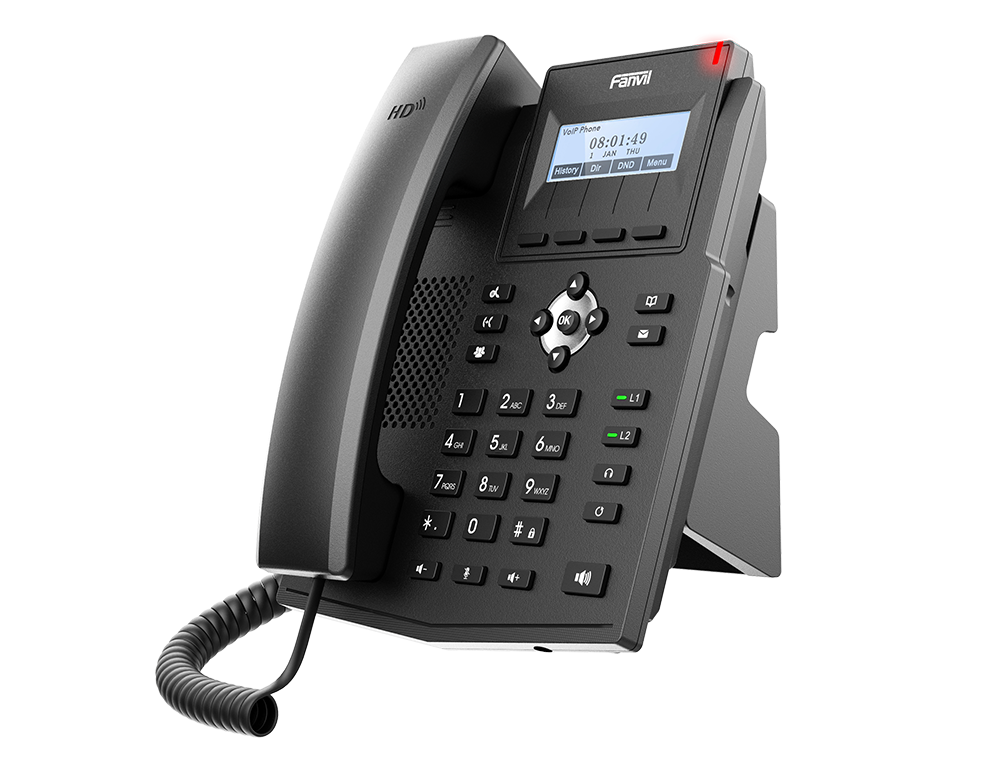
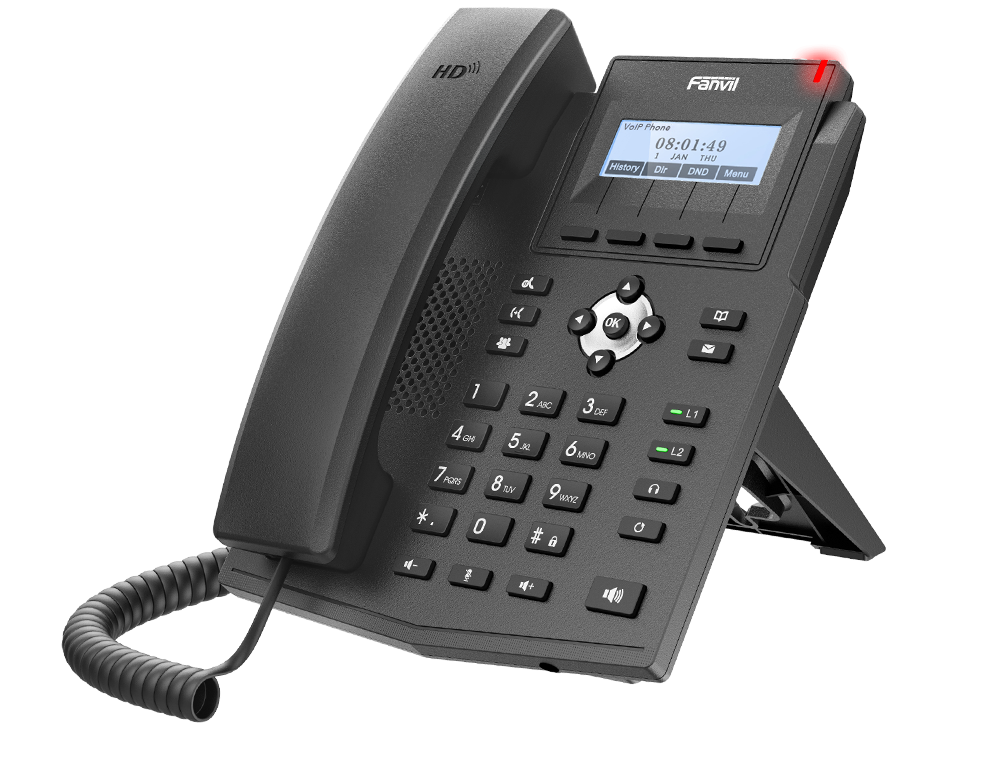
Fanvil X1SG IP Phone is a powerful IP phone designed for small businesses, startups, and call centers at a reasonable cost. With support for 2 SIP lines, HD audio, and Gigabit Ethernet, the X1SG offers excellent value.
Enriched with a backlit screen , user friendly interface, all call management features like call holding , transfer, redial , X1SG. It also supports PoE for easy installation. Electronic Hook Switch for headset compatibility, making it a perfect fit for busy office desks.
HD Voice & Clear Conversations
Experience improved call clarity with built‑in HD audio codecs, making every conversation crisp and intelligible across office communications.
SIP Protocol Compatibility
The Fanvil X1SG supports standard SIP, allowing seamless integration with leading IP PBX platforms like Yeastar, Grandstream and other VoIP systems.
Power Over Ethernet (PoE) Support
Integrated PoE simplifies network setup by powering the phone directly from the Ethernet cable, reducing clutter and installation costs.
User‑Friendly Design
Featuring a clear display and intuitive keypad layout, this SIP phone ensures easy usage for daily calling tasks without training.
Compact & Business‑Ready
Its compact form makes the Fanvil X1SG IP phone ideal for reception desks, office cubicles, and shared workspaces where reliability matters most.
Frequently Asked Questions
1. How do I find the IP address of my Fanvil phone?
Press the OK button on the keypad or go to Menu > Status; the IP address will be displayed on the screen.
2. What is the default username and password for the web interface?
The default credentials for most Fanvil models are admin for both the username and the password.
3. How do I factory reset a Fanvil IP phone?
Hold the OK button for 10 seconds while the phone is idle, then press Yes when prompted to reset.
4. What is the default password for “Advanced Settings” on the phone?
When prompted for a password on the device menu itself, the default code is typically 123.
5. How do I log in to the Fanvil web management page?
Type the phone’s IP address into a web browser on a computer connected to the same network and enter the admin credentials.
6. Does my Fanvil phone support PoE (Power over Ethernet)?
Most “P” models (e.g., X3SP) support PoE, allowing them to power up via the Ethernet cable without a separate power adapter.



Reviews
There are no reviews yet.