




Description
Fanvil
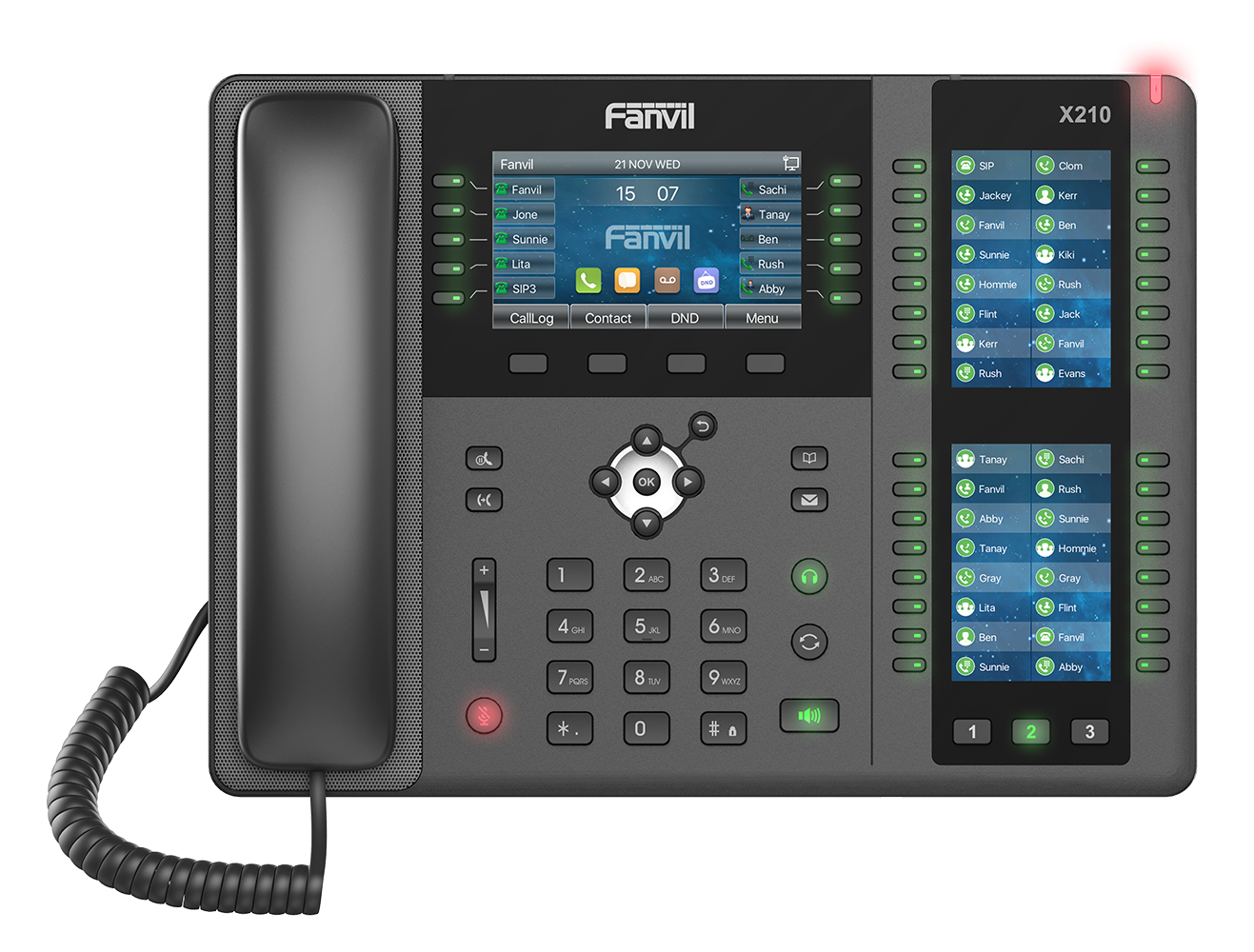
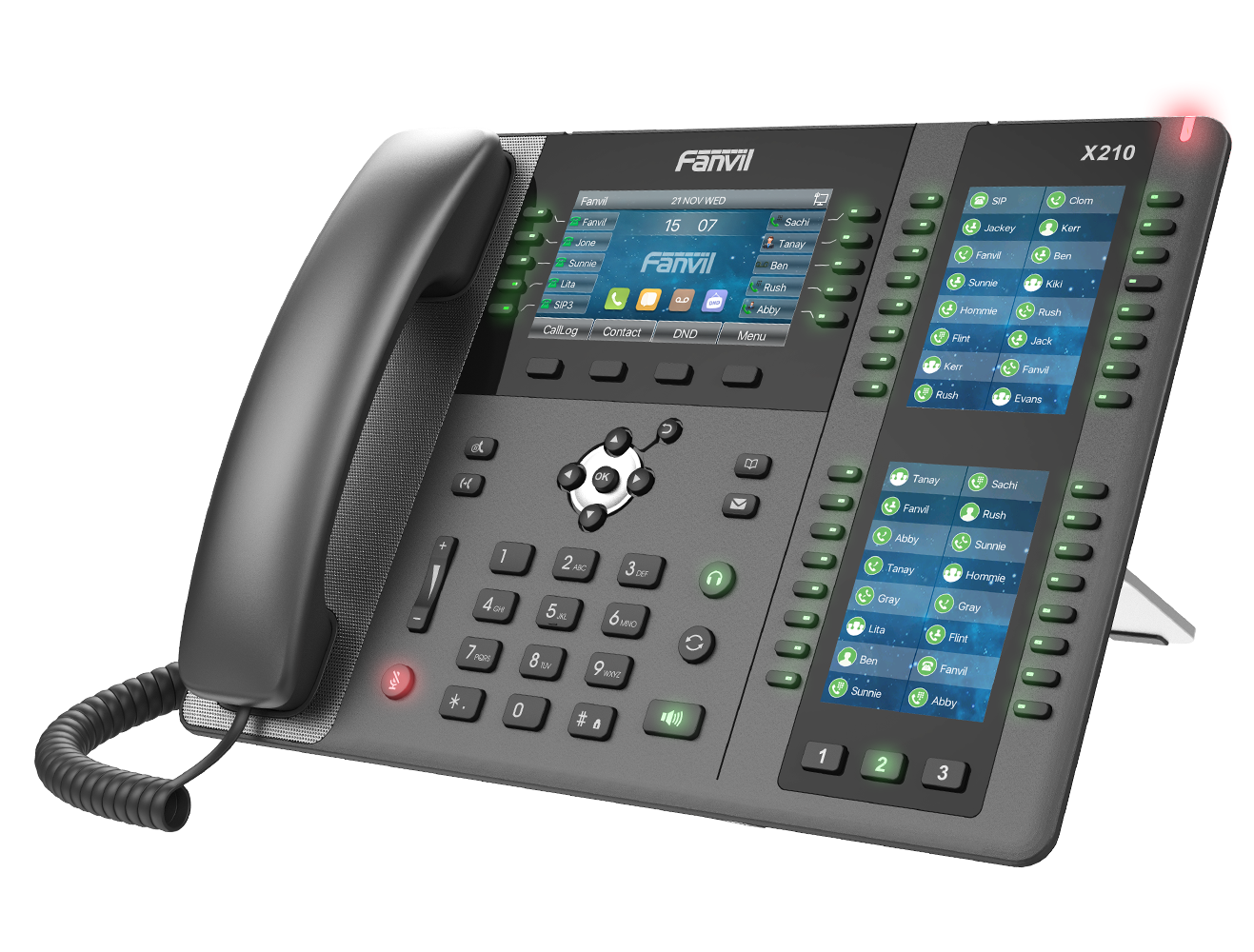
If you want the Fanvil X210 IP Phone price in Pakistan, you’re exploring a feature-packed business VoIP solution designed for reliable communication. The Fanvil X210 SIP phone combines HD voice quality, programmable function keys, and SIP protocol support to deliver clear and consistent performance for small offices, corporate desks, and call handling teams.
What Is the Fanvil X210 IP Phone?
The Fanvil X210 is a robust SIP desk phone built for everyday business communication. It works over internet-based telephony (VoIP) and integrates seamlessly with SIP-based IP PBX systems like Grandstream, Yeastar, and other VoIP platforms. Its efficient design and practical features make it a dependable choice for offices that need quality calling without unnecessary complexity.
Key Features & Benefits
HD Voice for Clear Calls-Fanvil SIP Phone
With wideband audio codecs, the Fanvil X210 delivers crisp and natural voice quality, enhancing communication between teams and clients.
Programmable Function Keys
The phone includes programmable keys you can assign for speed dials, BLF (Busy Lamp Field), call transfer, and more — boosting productivity.
SIP Protocol Support by Fanvil X210 IP Phone
As a true VoIP SIP phone, the X210 works with most SIP servers and IP PBX systems, giving your business flexible deployment options.
Power over Ethernet (PoE) Support
PoE support lets you power the phone via a network cable, reducing clutter and making installation easier across office workstations.
Easy Setup & Intuitive Interface
User-friendly navigation and a clear display reduce the learning curve. First-time users can quickly manage calls, contacts, and settings.
Frequently Asked Questions
1. How do I find the IP address of my Fanvil phone?
Press the OK button on the keypad or go to Menu > Status; the IP address will be displayed on the screen.
2. What is the default username and password for the web interface?
The default credentials for most Fanvil models are admin for both the username and the password.
3. How do I factory reset a Fanvil IP phone?
Hold the OK button for 10 seconds while the phone is idle, then press Yes when prompted to reset.
4. What is the default password for “Advanced Settings” on the phone?
When prompted for a password on the device menu itself, the default code is typically 123.
5. How do I log in to the Fanvil web management page?
Type the phone’s IP address into a web browser on a computer connected to the same network and enter the admin credentials.
6. Does my Fanvil phone support PoE (Power over Ethernet)?
Most “P” models (e.g., X3SP) support PoE, allowing them to power up via the Ethernet cable without a separate power adapter.



Reviews
There are no reviews yet.