


Description
Fanvil X4U IP Phone
Fanvil X4U IP Phone – Dual-Screen Business VoIP Phone
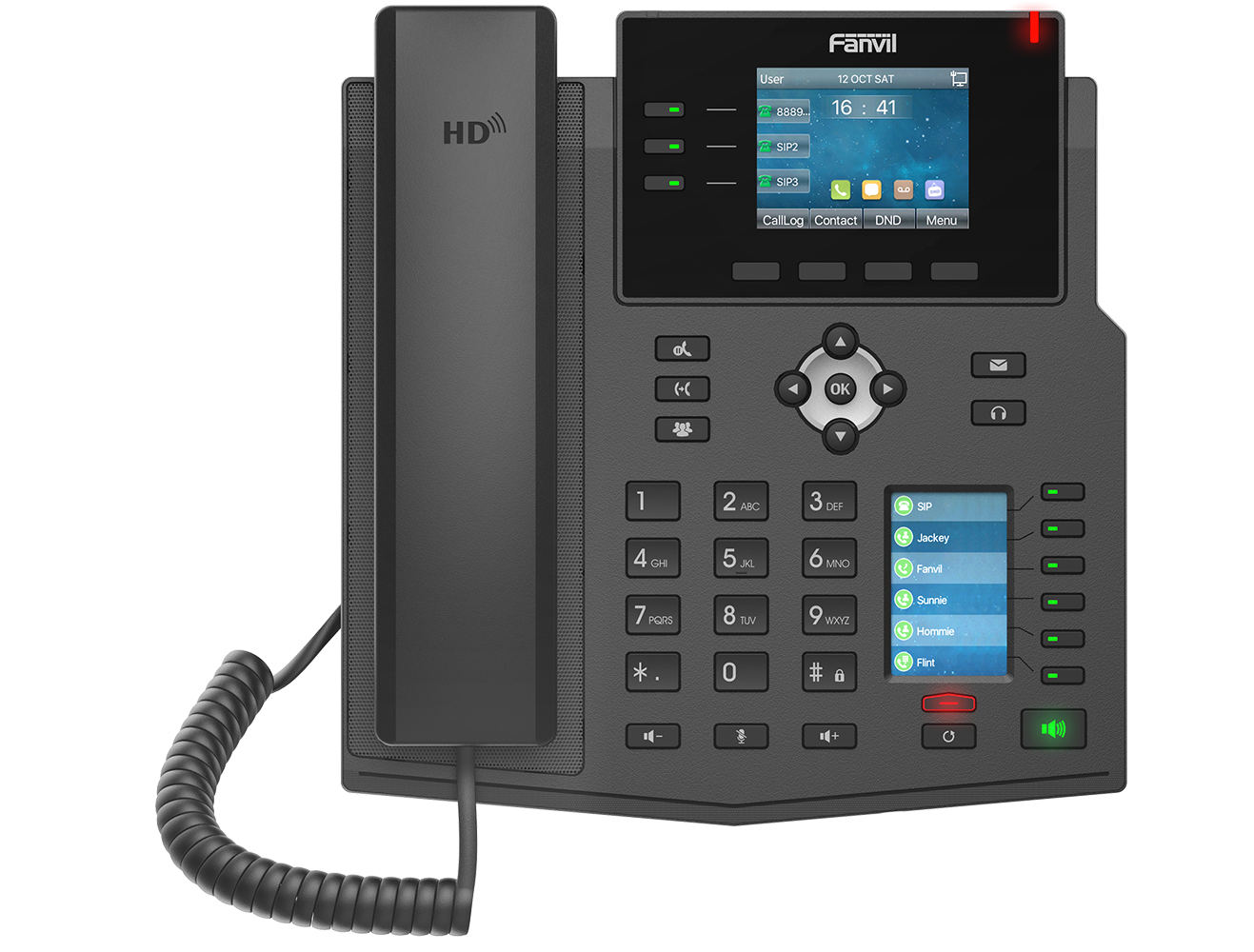
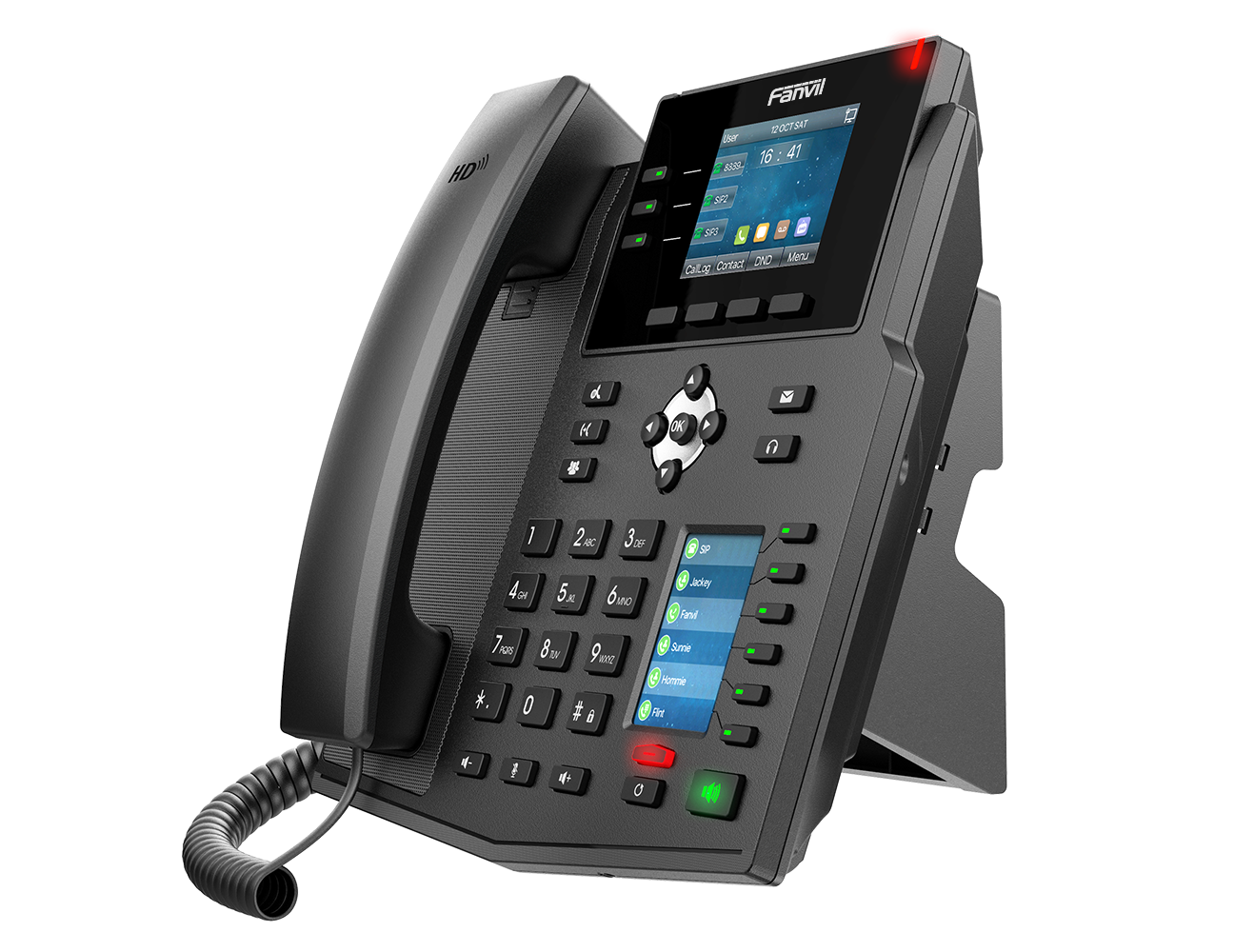
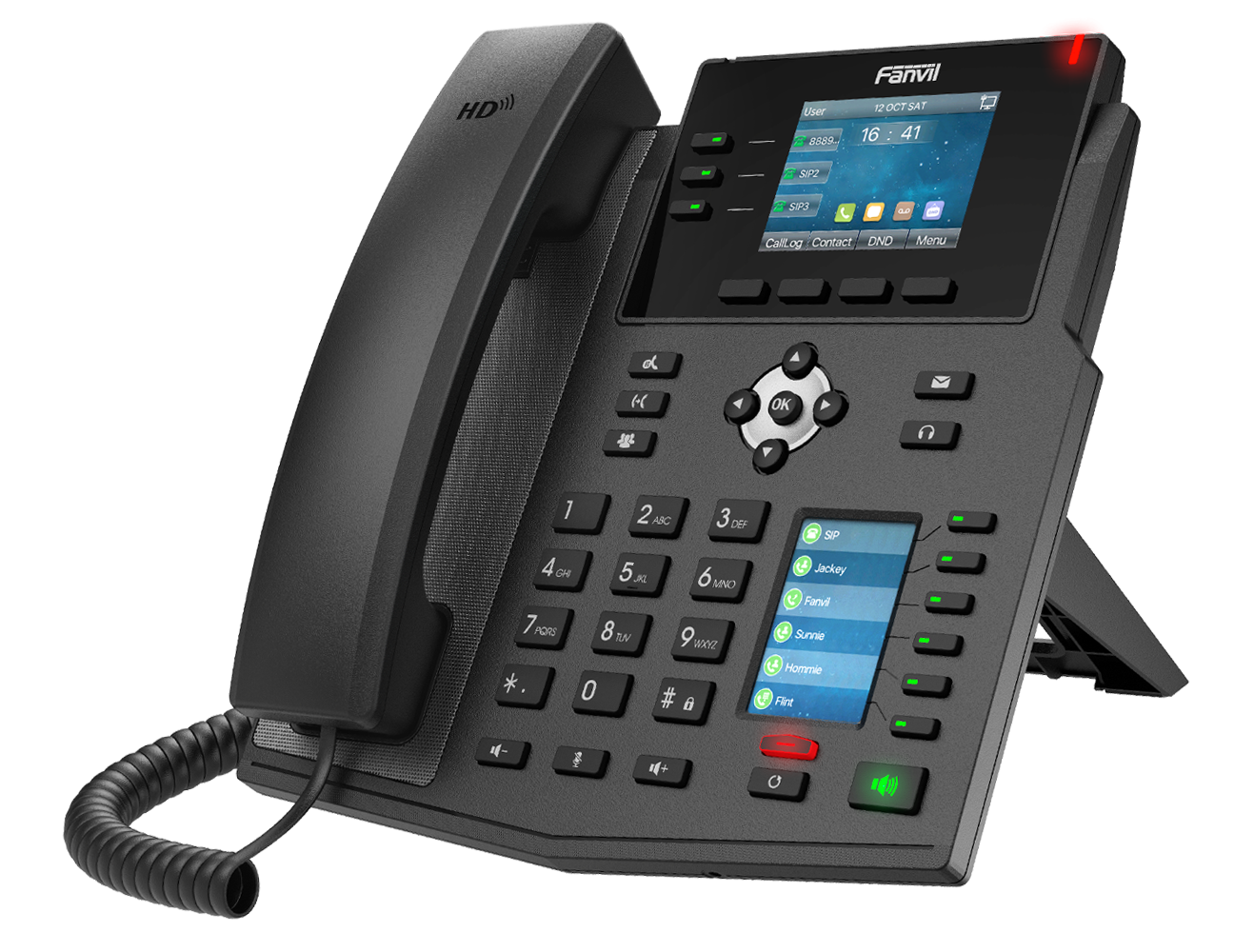
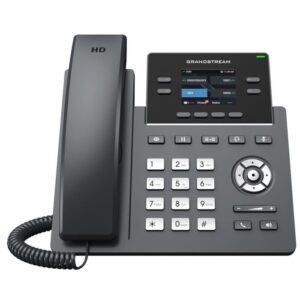
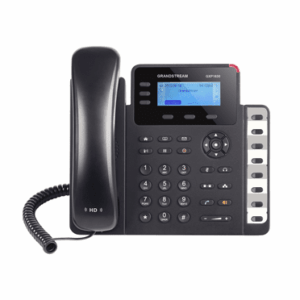
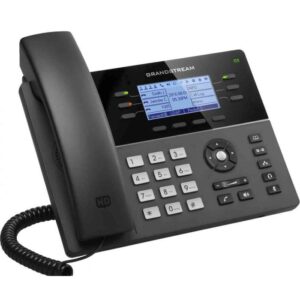
The Fanvil X4U IP Phone is a dual-screen SIP desk phone designed for professionals and high-level office environments. With HD voice, programmable DSS keys, and seamless VoIP integration, the X4U boosts productivity and ensures smooth business communication. Supporting up to 12 SIP lines, dual Gigabit ports, and PoE, it delivers crystal-clear voice quality and fast network speed for reliable daily operations.
HD Voice for Clear Communication
Equipped with wideband audio codecs, the Fanvil X4U ensures crisp and natural sound on every call. Therefore, it is ideal for customer support teams, sales staff, and internal office communication.
Dual Gigabit Ports & PoE Support
This Fanvil SIP phone comes with dual Gigabit Ethernet ports, supporting high-speed data and PC pass-through. Moreover, with PoE support, installation is simpler and cable clutter is minimized.
SIP Compatibility with IP PBX Systems
The Fanvil X4U is compatible with popular SIP-based IP PBX platforms such as Grandstream, Yeastar, and others. As a result, it can be deployed easily across enterprise VoIP networks without compatibility issues.
Programmable Keys for Efficiency
Multiple programmable function keys provide fast access to speed dial,and call features. Consequently, teams can handle calls more efficiently, improving workflow and response time.
Ergonomic & User-Friendly Design
With a dual-screen display and intuitive layout, the Fanvil X4U IP phone ensures comfortable use and quick navigation, making it perfect for busy offices and call centers.
Frequently Asked Questions
1. How do I find the IP address of my Fanvil phone?
Press the OK button on the keypad or go to Menu > Status; the IP address will be displayed on the screen.
2. What is the default username and password for the web interface?
The default credentials for most Fanvil models are admin for both the username and the password.
3. How do I factory reset a Fanvil IP phone?
Hold the OK button for 10 seconds while the phone is idle, then press Yes when prompted to reset.
4. What is the default password for “Advanced Settings” on the phone?
When prompted for a password on the device menu itself, the default code is typically 123.
5. How do I log in to the Fanvil web management page?
Type the phone’s IP address into a web browser on a computer connected to the same network and enter the admin credentials.

Reviews
There are no reviews yet.