Description
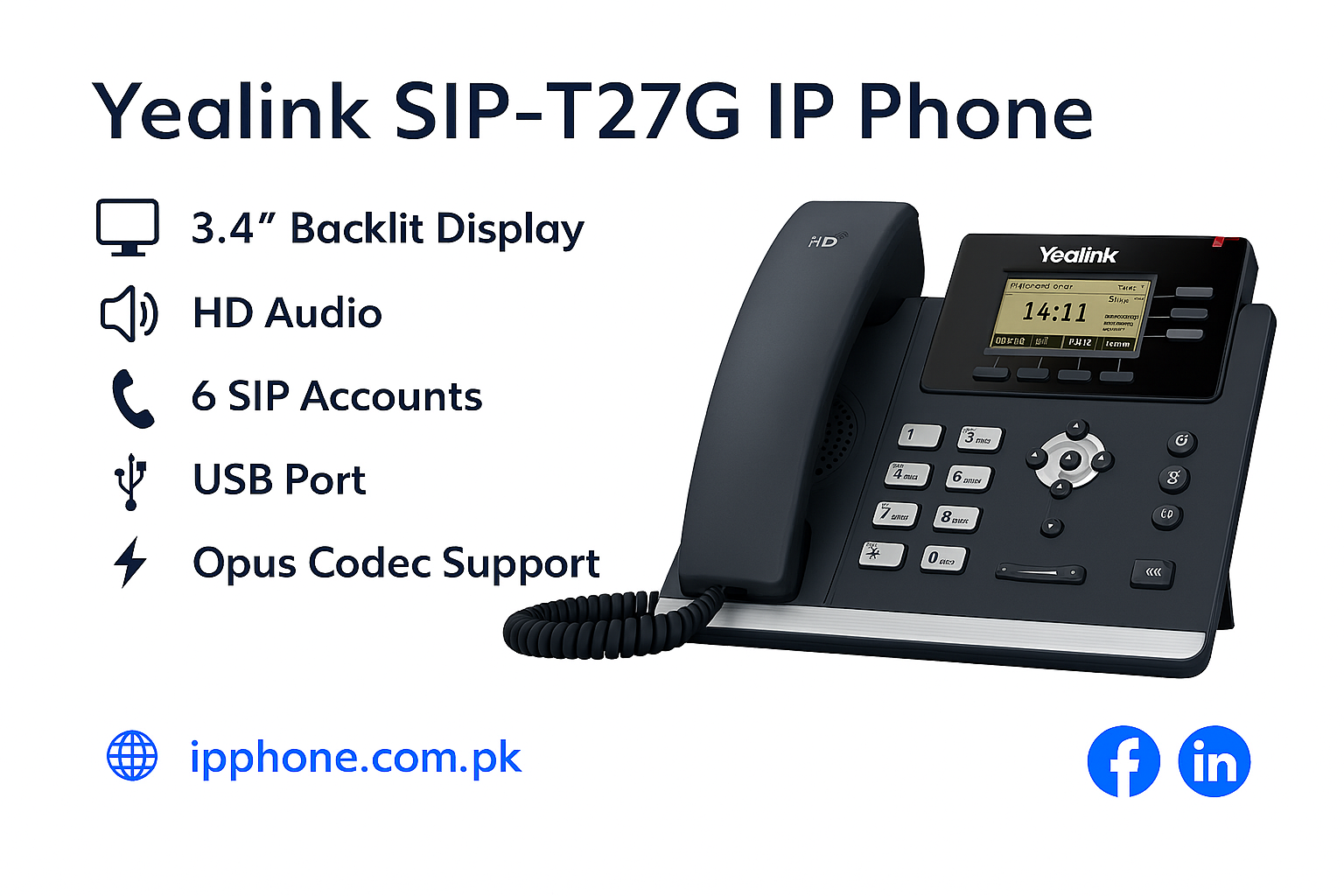
Yealink SIP T27G in Price Pakistan that is a reliable, cost-effective multi-line business IP phone. It is designed to deliver rich VoIP communication features for modern office environments. Yealink SIP-T27G combines superior voice quality, flexible expansion options, and professional telephony functions—making it ideal for small-to-medium businesses, reception desks, and administrative users.
Yealink SIP T27G in Price Pakistan
Professional Audio Quality
Yealink SIP-T27G features Yealink Optima HD Voice technology and supports the Opus wideband codec, delivering crystal-clear sound and life-like voice communication even in varying network conditions. Its full-duplex speakerphone with advanced echo cancellation ensures smooth hands-free conversations.
Intuitive Display & User Interface
Equipped with a 3.66-inch 240×120 pixel graphical LCD with backlight, the SIP-T27G provides a clear and intuitive interface for accessing menus, contacts, call history, and soft keys. The display enhances user experience and simplifies everyday phone operations.
Multi-Line Support & Customization
The phone supports up to 6 SIP accounts, allowing users to handle multiple extensions or VoIP lines from a single device. It also includes programmable DSS keys (up to 21 keys across three pages), enabling quick access to features like speed dial, busy lamp fields (BLF), and call functions.
Robust Connectivity & Expansion
-
Dual-Port Gigabit Ethernet (10/100/1000) ensures fast network performance and compatibility with modern network infrastructure.
-
USB 2.0 Port allows connection of optional accessories like Bluetooth (via BT40 dongle), Wi-Fi (via WF40 dongle), and USB call recording.
-
Supports PoE (Power over Ethernet) for simplified cabling and deployment.
-
Compatible with Yealink expansion modules for additional line keys and functionality.
Advanced Telephony & Productivity Features
Yealink SIP T27G offers a full suite of business telephony functions, such as:
-
Call transfer, call forward, call hold, and call waiting
-
One-touch speed dial and redial
-
3-way local conferencing
-
Auto-answer and do-not-disturb (DND)
These features streamline communication and improve workflow efficiency.
Frequently Asked Questions
1.How do I find the IP address of my Yealink phone?
Press the OK button when the phone is idle; the IP address will appear on the screen.
2. What is the default admin password for Yealink?
The default password is historically admin (lowercase), though modern firmware often requires a password change upon first login.
3.What features are important for a business VoIP phone?
It should offer HD voice quality, support multiple SIP accounts, include PoE for easy setup, and ensure strong security. Additionally, features like Wi-Fi/Bluetooth, call management tools, and compatibility with IP PBX systems make it ideal for professional use.
4. How do I configure a SIP desk phone for VoIP service?
To configure a SIP desk phone, enter your VoIP provider’s SIP credentials (username, password, server) in the phone settings. Then save and reboot the device to register it on the VoIP network.
5. How to set up a new IP desk phone for office use?
For more Yealink’s IP Phone click here